[Get the best value headlamp lens replacement on Amazon today!]
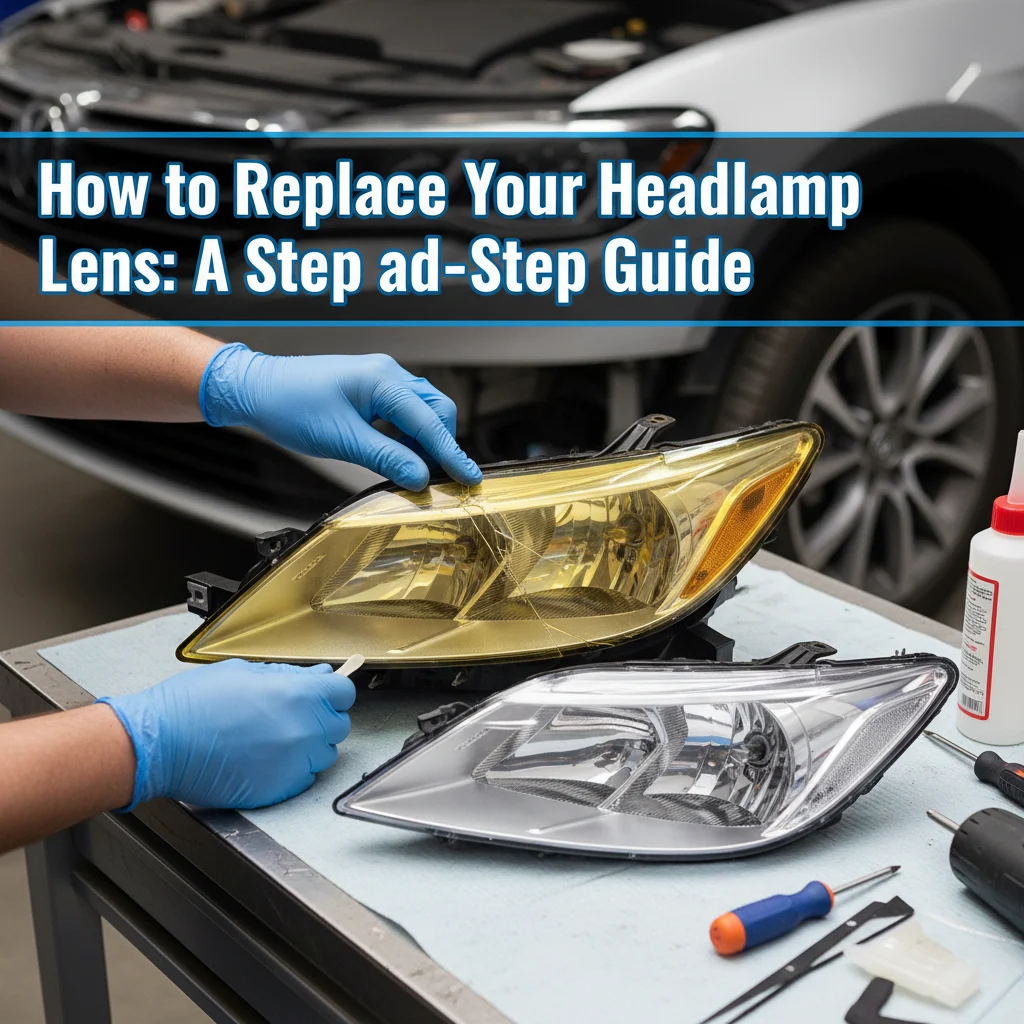
# How to Replace Your Headlamp Lens: A Step-by-Step Guide
Replacing the lens on your headlamp might seem daunting, but with the right tools and a little patience, it’s a straightforward process that can breathe new life into your trusty light source. This step-by-step guide will walk you through each stage of the **headlamp lens replacement**, ensuring you can get back to exploring the outdoors with a clear and bright beam. Whether your lens is cracked, scratched, or simply cloudy, this guide provides a simple solution to get you back on the trail.
[Browse top-rated headlamp lens replacement on Amazon]
## Step 1: Gather Your Tools and Materials
Before you even think about disassembling your headlamp, it’s crucial to have everything you need within easy reach. This will save you time and frustration later on. Here’s a list of essential items for a successful **headlamp lens replacement**:
* **New Headlamp Lens:** This is the most obvious item, but make sure you’ve sourced the correct replacement lens for your specific headlamp model. Check the manufacturer’s website or online retailers. Double check the part number to ensure it is an exact match.
* **Small Screwdriver Set:** You’ll likely encounter tiny screws that hold the headlamp casing together. A set of precision screwdrivers with various sizes is indispensable. Phillips-head and flat-head screwdrivers are the most common.
* **Plastic Pry Tool (Optional):** These tools are designed to gently separate plastic components without causing damage. A guitar pick or a thin, flat piece of plastic can also work in a pinch.
* **Clean Cloth or Microfiber Towel:** Keep this handy for wiping away dirt, dust, and fingerprints from the lens and internal components.
* **Rubbing Alcohol (Isopropyl Alcohol):** This is useful for cleaning any adhesive residue or stubborn dirt.
* **Cotton Swabs:** Great for applying rubbing alcohol to small, hard-to-reach areas.
* **Super Glue or Lens Adhesive (Optional):** Depending on the headlamp model, you might need a small amount of adhesive to secure the new lens in place. Use a clear adhesive specifically designed for plastics.
* **Work Space:** A clean, well-lit workspace will make the process much easier.
### Step 2: Disassemble the Headlamp
Now comes the delicate part: taking your headlamp apart. The exact method will vary depending on the model, but here are some general guidelines for a successful **headlamp lens replacement**:
1. **Remove Batteries:** Always start by removing the batteries to prevent accidental activation of the light.
2. **Locate Screws:** Carefully inspect the headlamp casing for any visible screws. These are usually located on the back or sides of the headlamp.
3. **Remove Screws:** Use the appropriate screwdriver to remove all screws. Store them in a safe place (a small container or magnetic tray) to avoid losing them.
4. **Pry Open Casing (If Necessary):** If the casing doesn’t easily separate after removing the screws, use a plastic pry tool to gently work your way around the seam. Be careful not to apply too much force, as you could damage the plastic.
5. **Identify the Lens Retaining Mechanism:** Some lenses are held in place by a separate retaining ring or clips. Others might be glued directly to the housing. Examine the area around the lens to understand how it’s secured.
### Step 3: Remove the Old Lens
Once you’ve disassembled the headlamp, you can proceed with removing the damaged lens. This step requires patience and care to avoid damaging the internal components.
1. **Loosen the Lens (If Glued):** If the lens is glued in place, use a cotton swab to apply a small amount of rubbing alcohol around the edges of the lens. This will help to soften the adhesive. Let it sit for a few minutes.
2. **Gently Pry Out the Lens:** Use a plastic pry tool or your fingers to gently pry the lens out of the casing. Start at one edge and work your way around, applying even pressure. If the lens is stubborn, apply more rubbing alcohol and wait a bit longer.
3. **Clean the Lens Housing:** Once the old lens is removed, clean the inside of the lens housing with a clean cloth or cotton swabs. Remove any remaining adhesive residue or dirt. Rubbing alcohol can be helpful here as well. Ensure the surface is completely dry before proceeding.
### Step 4: Install the New Lens
With the old lens removed and the housing cleaned, you’re ready to install the new lens. This is often the easiest part of the **headlamp lens replacement** process.
1. **Test Fit the New Lens:** Before applying any adhesive, test fit the new lens to ensure it fits properly in the housing.
2. **Apply Adhesive (If Necessary):** If your headlamp requires adhesive, apply a thin, even layer of clear plastic adhesive to the inside edge of the lens housing or to the edge of the new lens. Follow the manufacturer’s instructions for the adhesive.
3. **Position and Secure the Lens:** Carefully position the new lens in the housing, making sure it’s aligned correctly. Press it gently into place and hold it firmly for the recommended time (usually a few seconds to a minute) to allow the adhesive to set.
4. **Remove Excess Adhesive:** If any adhesive squeezes out around the edges of the lens, wipe it away with a clean cloth or cotton swab dampened with rubbing alcohol.
### Step 5: Reassemble the Headlamp
Now that the new lens is securely in place, it’s time to reassemble your headlamp.
1. **Carefully Reassemble the Casing:** Align the two halves of the headlamp casing and gently press them together.
2. **Reinsert Screws:** Replace all the screws you removed earlier. Tighten them securely, but be careful not to overtighten them, as this could damage the plastic.
3. **Test the Headlamp:** Insert the batteries and turn on the headlamp to make sure the new lens is working properly and the beam is clear.
[Browse top-rated headlamp lens replacement on Amazon]
## Tools for the Job
While the process itself is fairly simple, having the right tools can make all the difference. Here are a few recommended products from Amazon that can assist with your **headlamp lens replacement**:
* **ORIA Precision Screwdriver Set:** This set includes a wide variety of small screwdrivers, perfect for working with electronics and other delicate items. The magnetic tips help to hold screws in place, preventing them from being lost. The ORIA precision screwdriver set is a must for anyone who enjoys tinkering with electronics.
* **iFixit Opening Tool Set:** This set includes a variety of plastic pry tools designed to safely separate plastic components without causing damage. The different shapes and sizes allow you to tackle a wide range of devices. The iFixit opening tool set is a valuable addition to any toolkit.
These tools can make the job easier and prevent accidental damage to your headlamp during the **headlamp lens replacement**.
[Browse top-rated headlamp lens replacement on Amazon]
## Pro-Tips / FAQ Section
* **What if I can’t find a replacement lens for my specific headlamp model?** Contact the manufacturer directly or search online retailers that specialize in headlamp parts. You might also be able to find a generic lens that can be trimmed to fit.
* **Can I use regular glue instead of plastic adhesive?** No. Regular glue can damage the plastic and may not provide a strong enough bond. Always use a clear adhesive specifically designed for plastics.
* **How do I prevent my new lens from getting scratched again?** Consider applying a screen protector film designed for mobile phones or watches. These films are scratch-resistant and can be easily replaced if they get damaged.
* **What if I strip the screw heads while trying to remove them?** Use a rubber band or steel wool between the screwdriver and the screw head to provide extra grip. If that doesn’t work, try using a screw extractor tool.
* **I’m having trouble separating the headlamp casing. What should I do?** Double-check for any hidden screws or clips. Apply more rubbing alcohol to the seam and wait a few minutes. Use a plastic pry tool to gently work your way around the seam, applying even pressure.
[Browse top-rated headlamp lens replacement on Amazon]
## Encouraging Conclusion
Congratulations! You’ve successfully completed your **headlamp lens replacement**. By following these steps, you’ve not only saved money by avoiding the need to buy a new headlamp, but you’ve also extended the life of your valuable gear. Now you can confidently head back out into the darkness, knowing that your trusty headlamp will provide a clear and reliable light source for all your adventures. Remember to regularly inspect your headlamp and replace the lens as needed to maintain optimal performance. With a little care and maintenance, your headlamp will continue to serve you well for many years to come.
[Check the latest prices and deals for headlamp lens replacement on Amazon today!]